UPS units for a home server that Home Assistant can read
Links to Amazon are affiliate links, so I get a small cut if you buy through them. As an Amazon Associate I earn from qualifying purchases. This buying guide is researched, not gear running in my house, so the verdicts come from specs and what Home Assistant users report.
A UPS keeps a server running through a short outage. The part that matters for a smart home is the USB cable. Without it, the UPS beeps and then the server loses power when the battery runs out. With it, the server knows it is on battery, and it can shut itself down cleanly before that happens.
The software that reads the UPS is Network UPS Tools, NUT. It runs on whatever machine the UPS’s USB cable plugs into and serves battery status over the network. Other machines run as NUT clients and shut down when the server tells them to. Home Assistant’s NUT integration connects to that same server and turns battery charge, load, runtime, and on-battery status into entities you can automate on: a phone notification when the power drops, lights off to save runtime, a shutdown of the stuff that doesn’t matter.
These picks come from the NUT compatibility list and the specs each maker publishes, not from my own testing of these models.
What to watch out for
Buy sine wave output for a server. Many computer power supplies use active PFC, and cheaper UPS units with simulated sine wave output can make those supplies misbehave on battery. All three picks here output sine wave.
Check the NUT compatibility list before you buy anything not on this page. “Has a USB port” is not the same as “reports to NUT.” Some USB ports on budget units are only for charging a phone.
Only one machine can own the USB connection. Put the NUT server on the box the UPS is plugged into, usually the NAS or the server, and point everything else at it as a client, Home Assistant included.
Size the UPS to the load you’ll actually run on it, not the wattage on your power supply label. A mini PC, modem, router, and a small PoE switch fit comfortably on the 850VA unit. A tower server with spinning drives belongs on the 1500VA ones.
Verdict
Buy the CyberPower CP1500PFCLCD for a tower server or NAS. Buy the CP850PFCLCD if the whole setup is a mini PC and network gear. Buy the APC BR1500MS2 if you prefer APC, and test that NUT reads it before you count on the shutdown working.
-
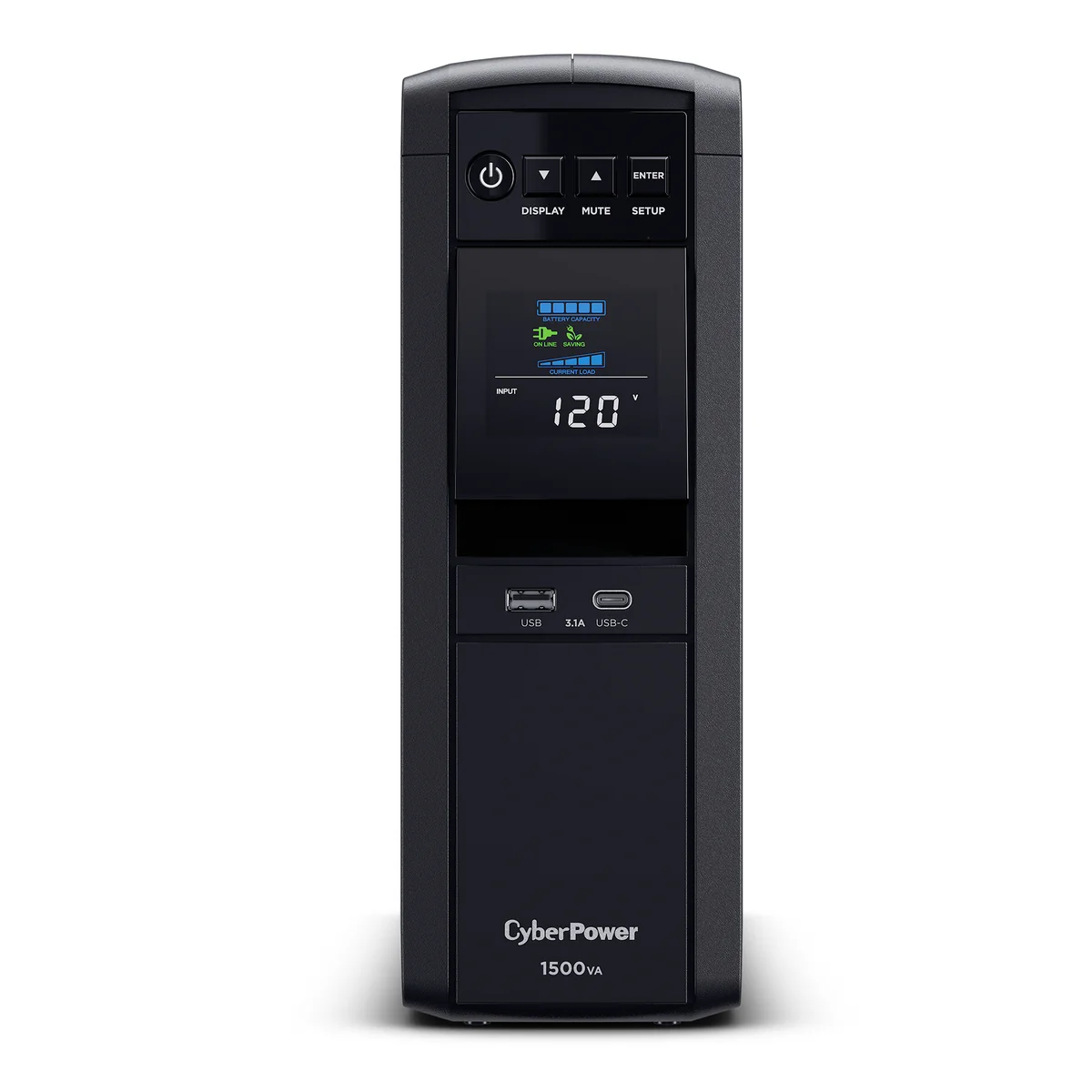
The default UPS for a tower server or NAS. Sine wave output, enough capacity for a server plus networking gear, and it is named on the NUT compatibility list, so you're not guessing whether the USB port will report.
- 1500VA / 1000W
- PFC sine wave output
- 12 outlets, AVR
- Listed on the NUT hardware compatibility list (USB)
-
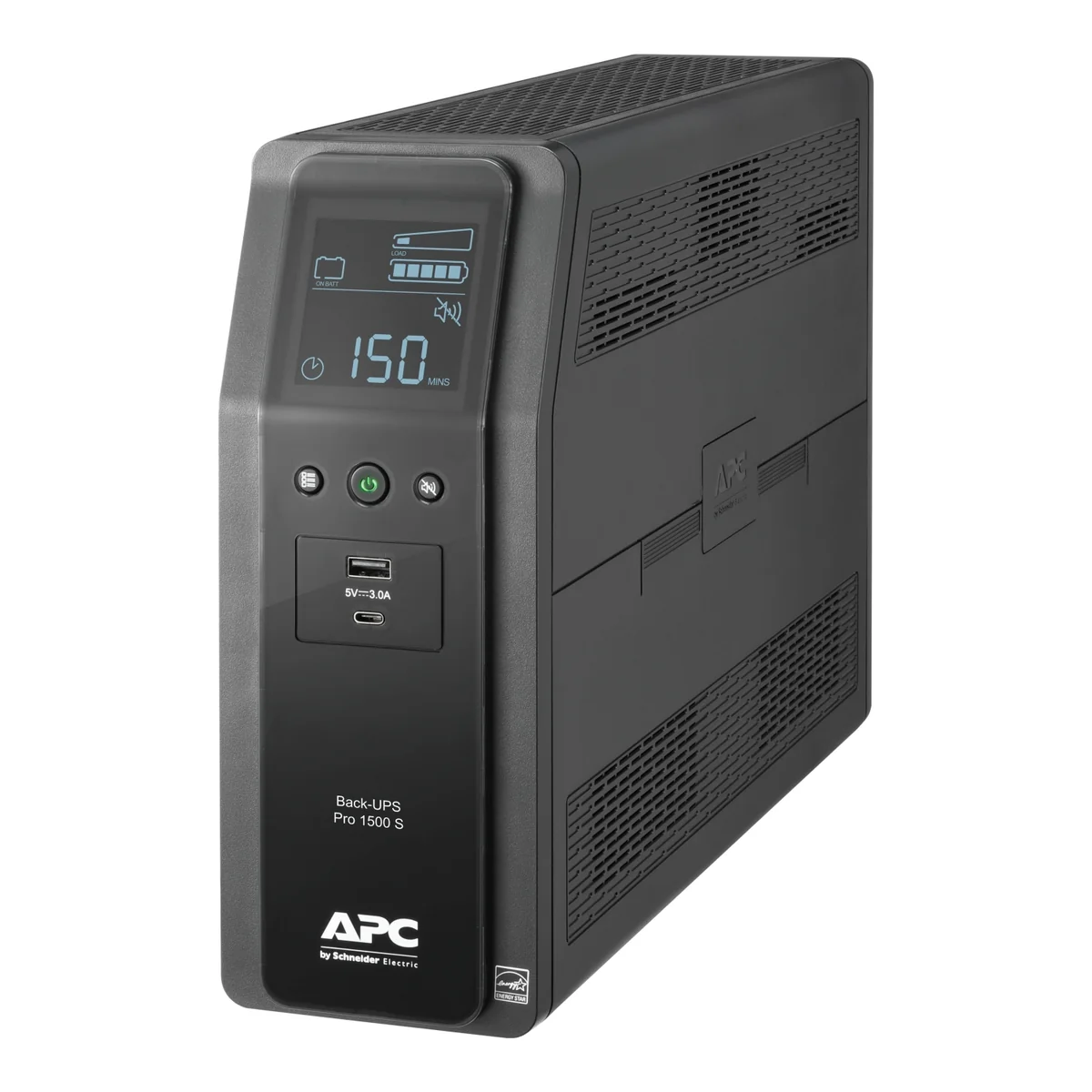
The APC equivalent if you'd rather stay with APC. It reports as a standard USB HID UPS and people run it with NUT's usbhid-ups driver, but the NUT list only names the generic Back-UPS Pro entry, not this model. Confirm battery charge and status show up in NUT before you rely on it for shutdowns.
- 1500VA / 900W
- Pure sine wave output
- 10 outlets
- USB-C charging port on the front
-
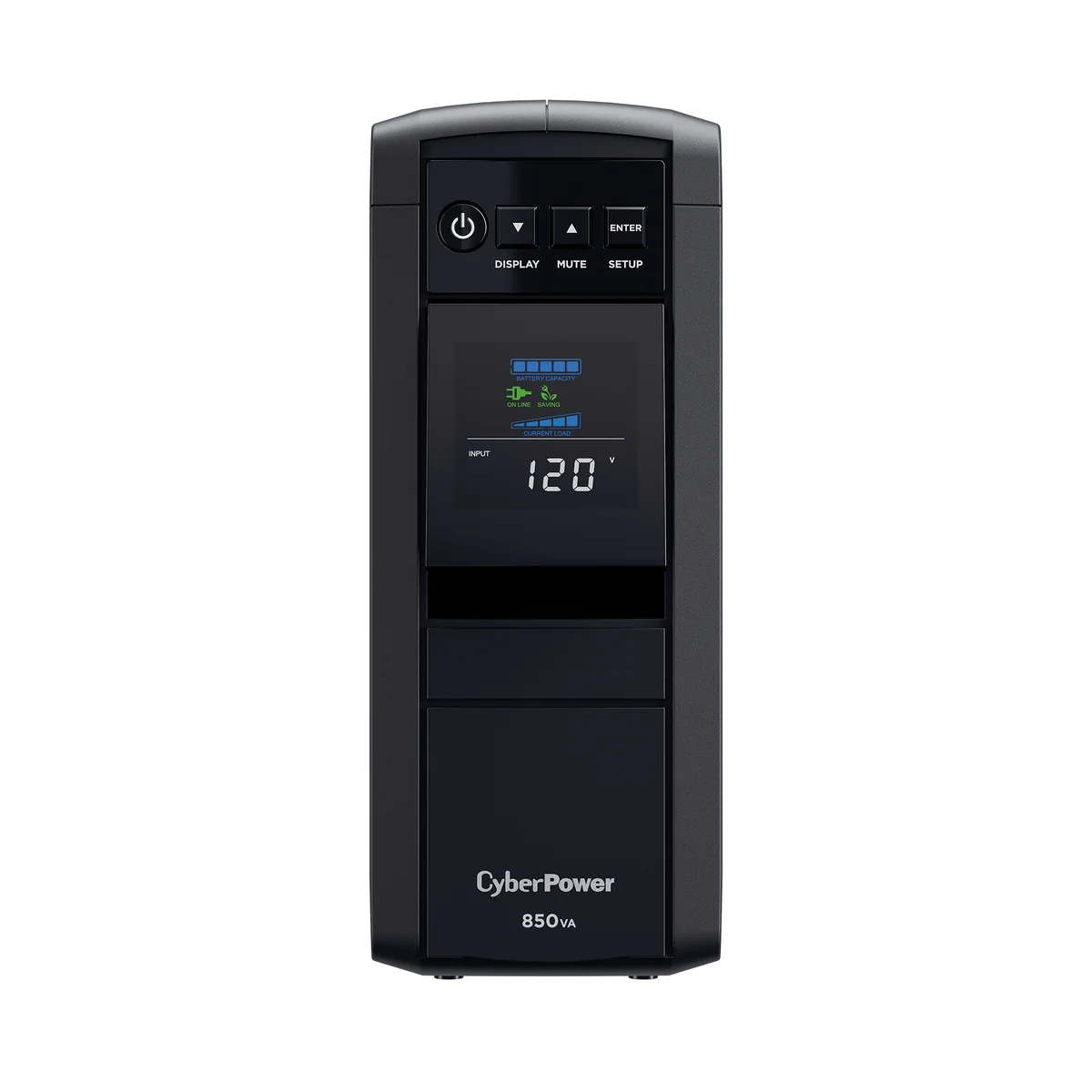
Same family as the top pick, sized for a mini PC running Home Assistant plus a modem, router, and switch. Smaller load means you don't need to pay for 1500VA.
- 850VA / 510W
- PFC sine wave output
- 10 outlets, AVR
- Listed on the NUT hardware compatibility list (USB)
Related buying guides
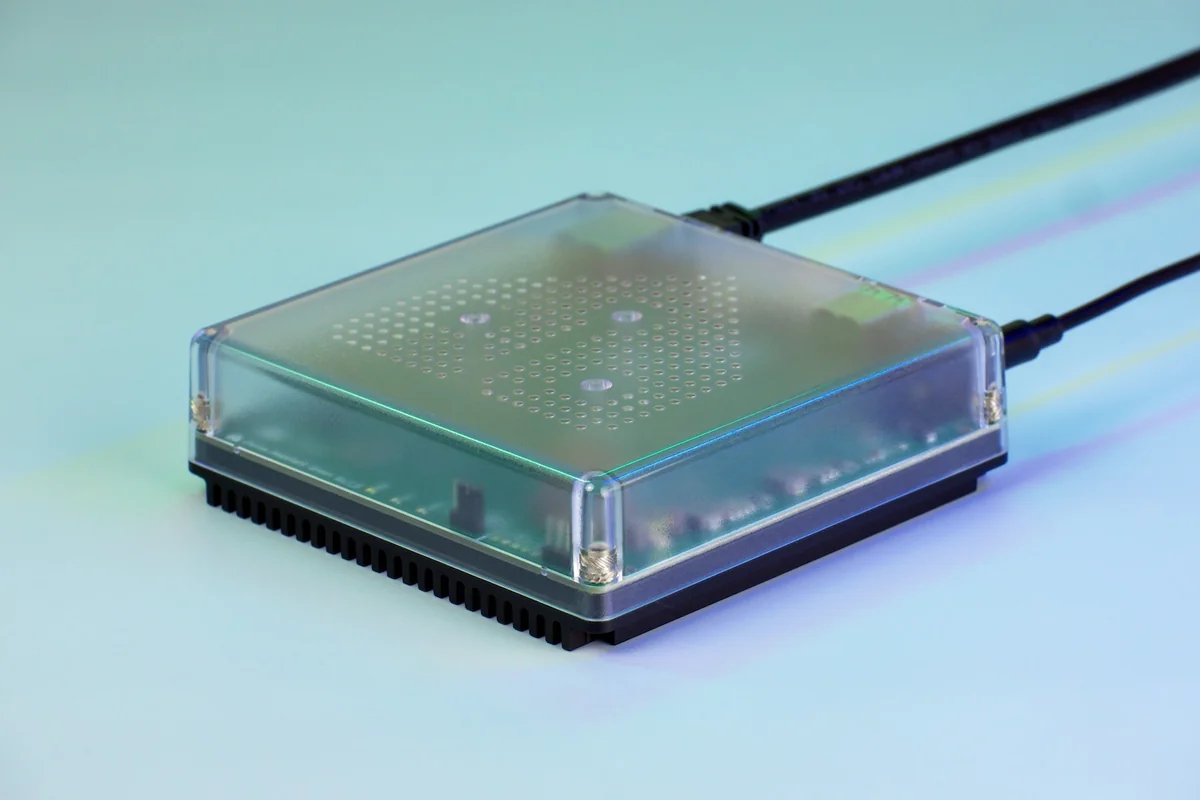
Mini PCs for Home Assistant and Proxmox
The official plug-in box, a cheap N150 mini PC, and a 10G homelab box for Proxmox. Which one fits depends on what else the machine has to run.
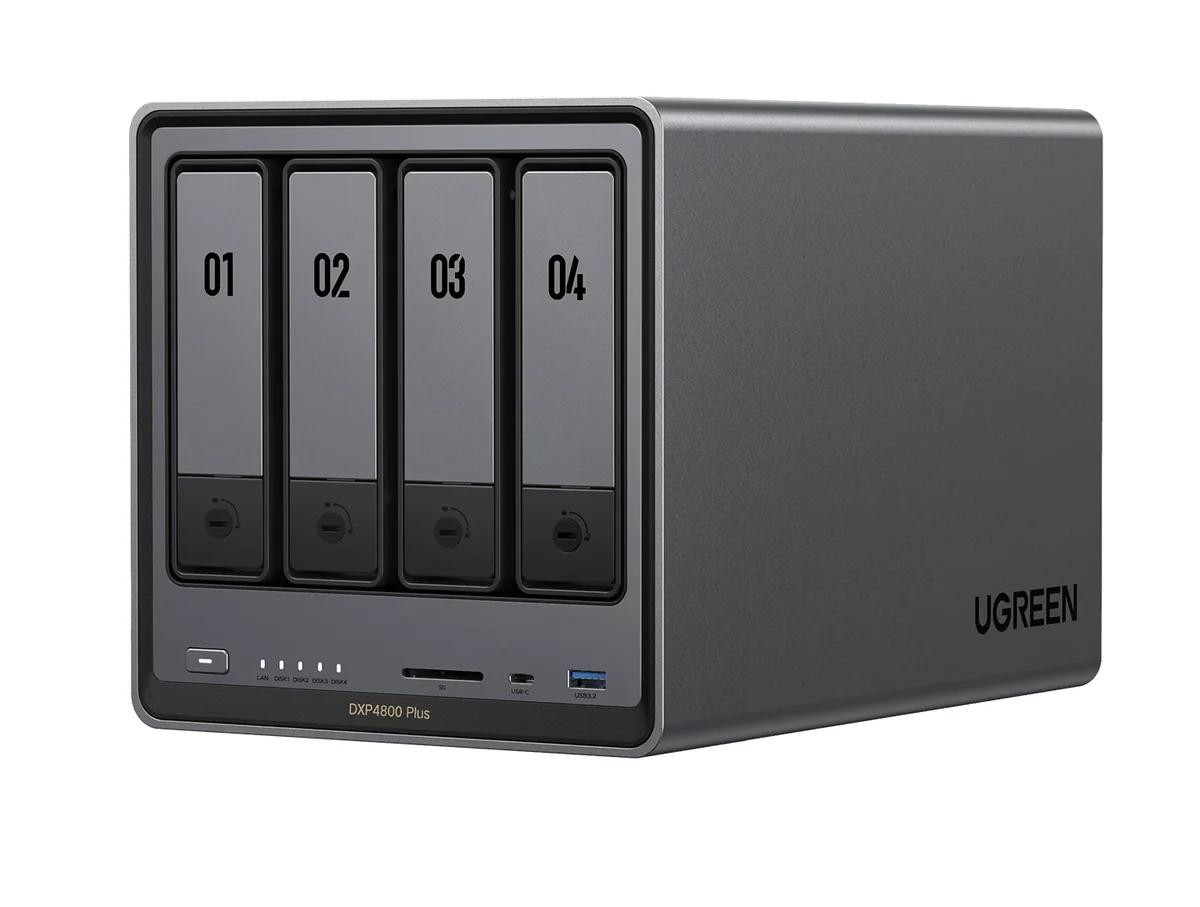
Home NAS picks: Synology or UGREEN
Two Synology and two UGREEN boxes for backups, media, and Home Assistant storage, and what the 2025 Synology drive rules mean for you.
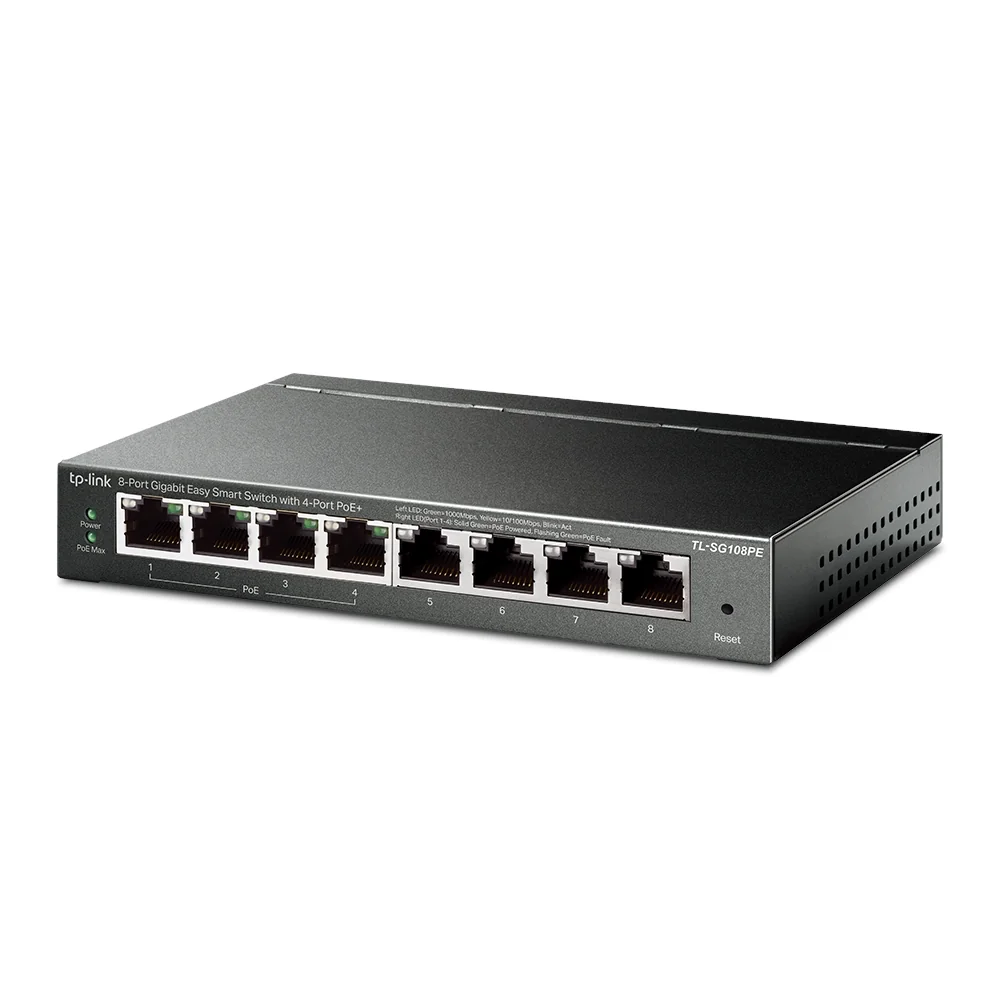
PoE switches for cameras, sensors, and ESPHome devices
Small PoE switches that power cameras, presence sensors, and Ethernet ESPHome boards over one cable, and when you need VLANs.