Home NAS picks: Synology or UGREEN
Links to Amazon are affiliate links, so I get a small cut if you buy through them. As an Amazon Associate I earn from qualifying purchases. This buying guide is researched, not gear running in my house, so the verdicts come from specs and what Home Assistant users report.
A NAS holds the files you can’t lose: Home Assistant backups, camera recordings, photos, and a media library. For a smart home, three things decide which one to buy:
- Docker support. If the NAS can run containers, it can also run Home Assistant Container, Zigbee2MQTT, or Frigate. Both Synology Container Manager and UGREEN’s UGOS run Docker on every model here.
- RAM. File sharing needs little. Each container you add needs more. 2 GB is a file server; 8 GB runs a handful of services.
- Network speed. Gigabit tops out around 110 MB/s, slower than a single modern hard drive. 2.5 GbE is the practical floor in 2026.
My own storage is an Unraid server, so none of these four boxes run in my house. These are researched picks: specs come from Synology’s and UGREEN’s spec pages.
Synology’s drive rules
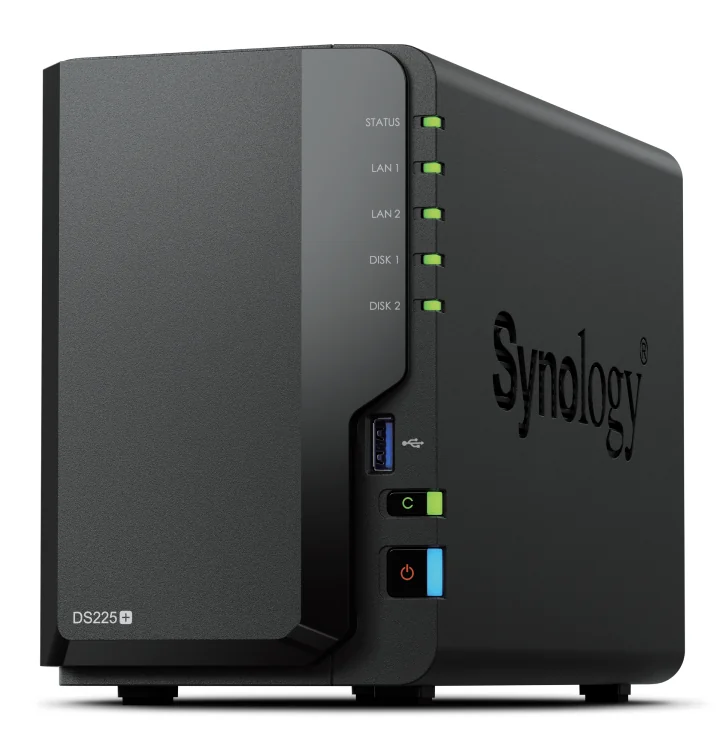
In 2025 Synology limited its new Plus models to drives on its own compatibility list. DSM 7.3, released October 8, 2025, relaxed that. On the DS225+ and DS925+ you can now build storage pools on unlisted hard drives and 2.5-inch SATA SSDs. Unlisted M.2 NVMe drives still can’t be used for new pools or cache, and drives on Synology’s incompatibility list stay blocked. Synology’s drive compatibility page has the current rules.
What to watch out for
Don’t run Home Assistant OS on a NAS if you can avoid it. A NAS runs Home Assistant Container, which has no add-ons, and every DSM or UGOS update reboots your smart home with it. A small dedicated box for Home Assistant, with backups sent to the NAS, is the more reliable layout.
Installing Unraid or TrueNAS on a UGREEN box takes extra steps. Guides from NASCompares say you have to turn off a BIOS watchdog first, or the unit reboots every few minutes when it isn’t running UGOS. UGREEN doesn’t give software support for other operating systems.
Drives aren’t included. Budget for two or four NAS-rated hard drives on top of the listed price.
Verdict
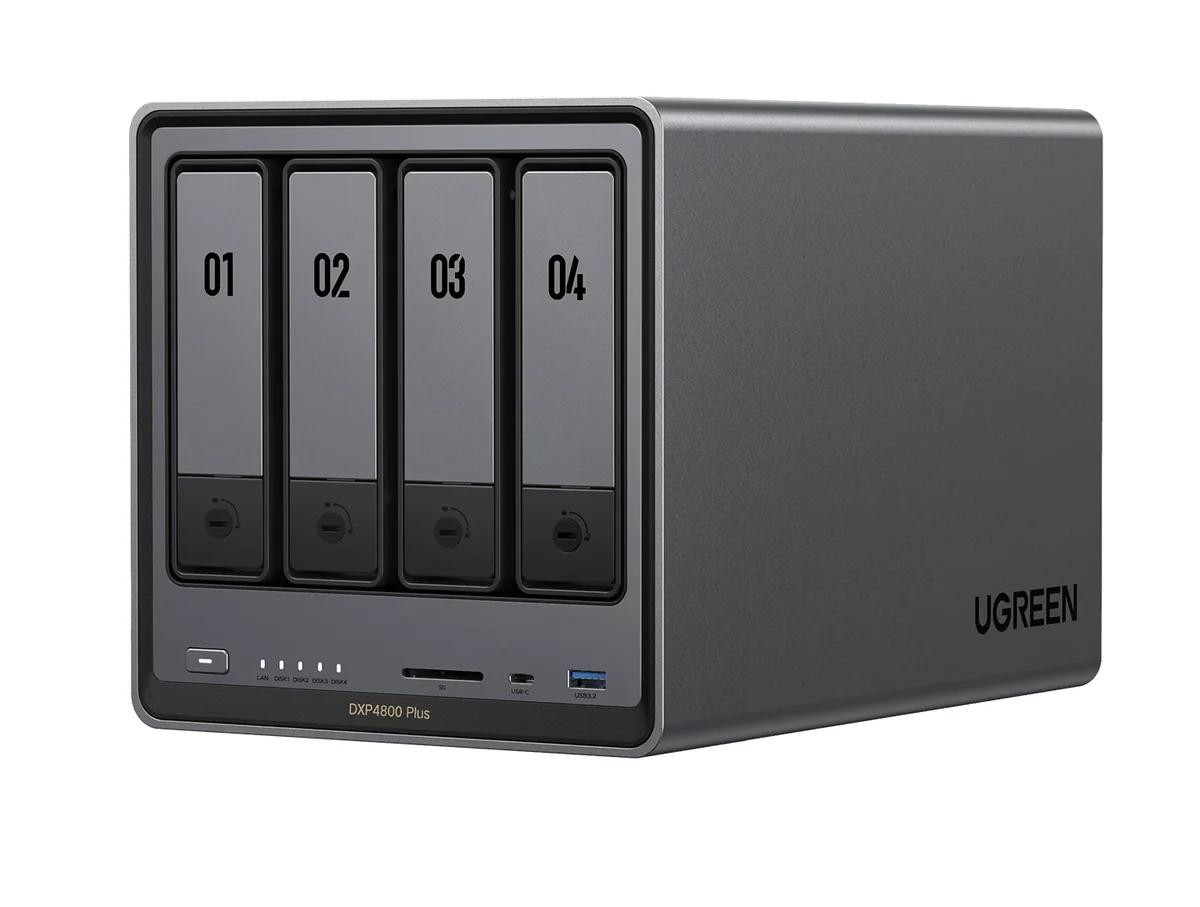
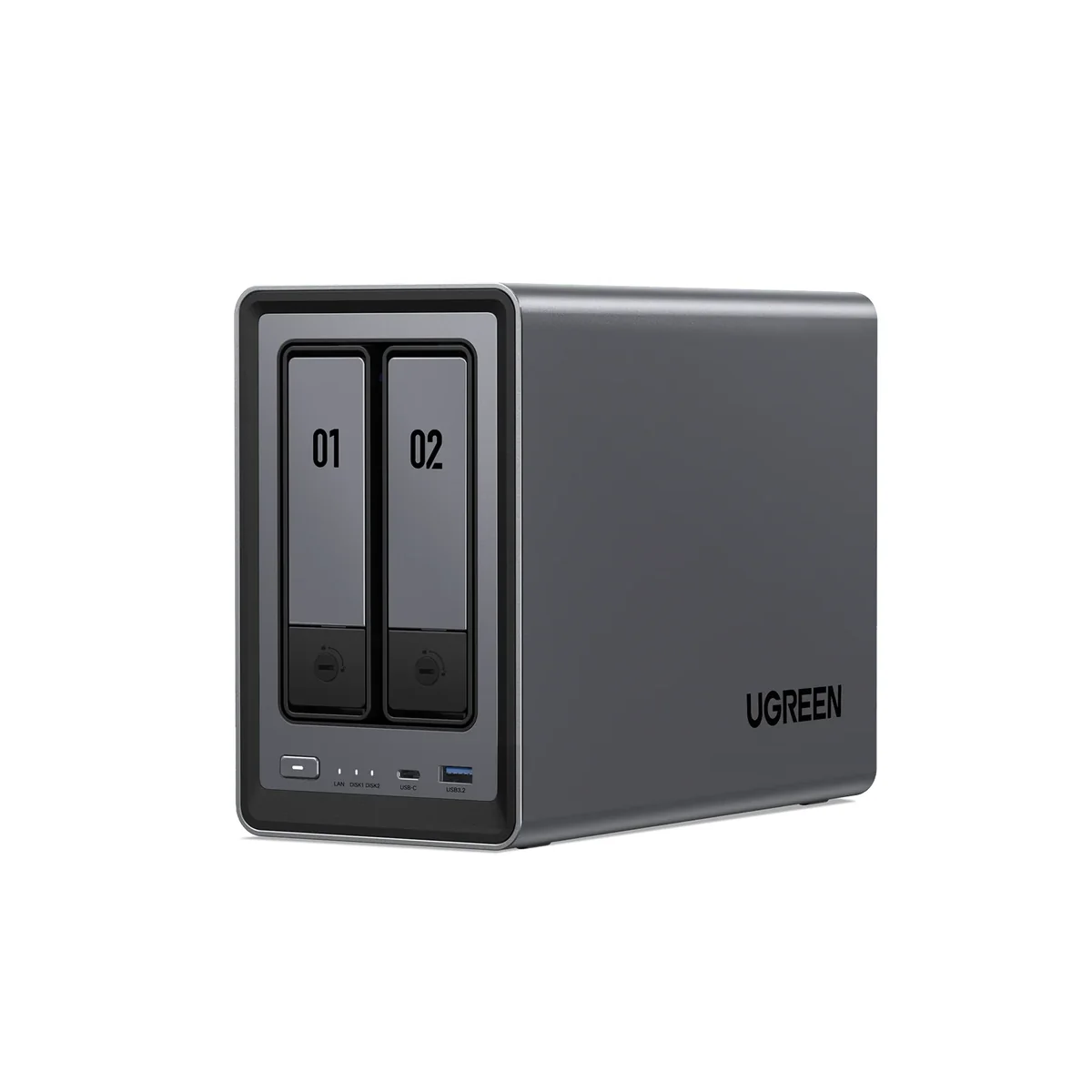
The UGREEN DXP4800 Plus is the pick for most people: the best hardware here and the freedom to change operating systems later. Pick the Synology DS925+ if backup software matters more than specs. For two drives, the DXP2800 has more RAM and M.2 slots than the DS225+.
-
The most hardware per dollar in this list: a faster CPU than the DS925+, twice the RAM, and a 10 GbE port. UGREEN's warranty page says installing another OS such as Unraid or TrueNAS leaves the hardware warranty unchanged, so the box is still useful if you outgrow UGOS.
- Intel Pentium Gold 8505, 5 cores / 6 threads
- 8 GB DDR5, up to 64 GB
- 4 SATA bays, 128 GB system SSD, 2x M.2 NVMe
- 1x 10 GbE and 1x 2.5 GbE
- Docker and virtual machines in UGOS
-
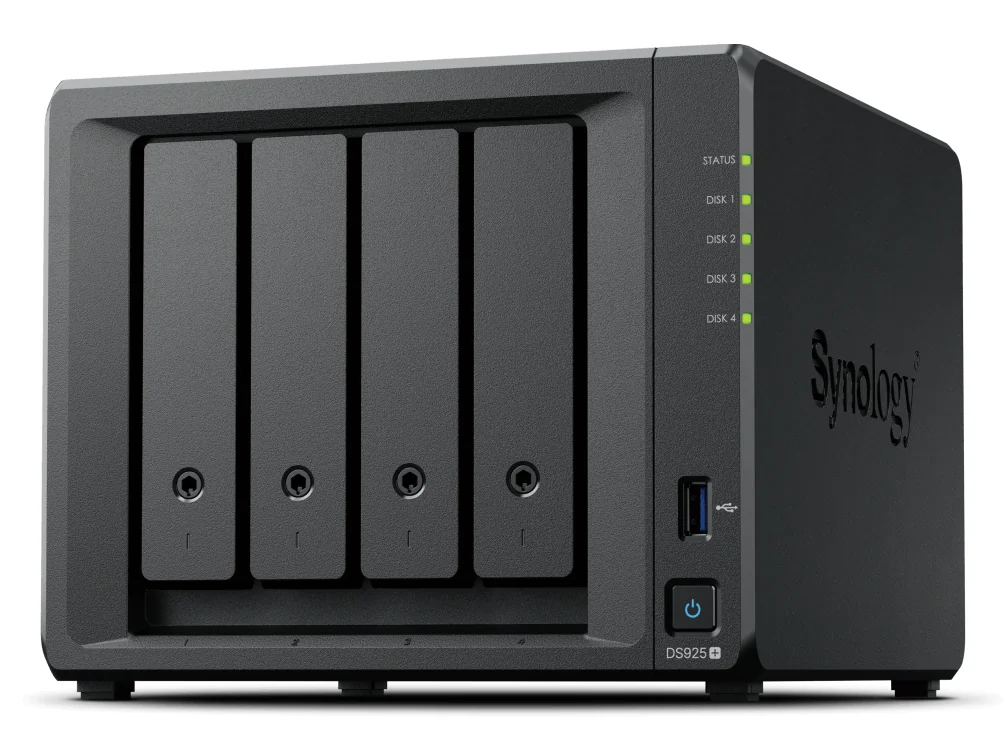
Buy this for DSM, not the hardware. Synology's backup apps, Hyper Backup and Active Backup for Business, are the main reason people pay for a Synology. ECC memory is a plus for a box that holds the only copy of your files. The Ryzen V1500B has no integrated GPU, so it can't hardware-transcode for Plex or Jellyfin.
- AMD Ryzen V1500B, 4 cores / 8 threads
- 4 GB DDR4 ECC, up to 32 GB
- 4 bays, expandable to 9 with a DX525
- 2x M.2 NVMe
- 2x 2.5 GbE
-
Two mirrored drives for backups and a media library, with an N100 that can hardware-transcode video. 8 GB of RAM is enough to run Home Assistant Container and a few more containers next to the file shares.
- Intel N100, 4 cores
- 8 GB DDR5, up to 16 GB
- 2 SATA bays, 2x M.2 NVMe
- 1x 2.5 GbE
- Docker and virtual machines in UGOS
-
The cheapest way into DSM with a 2.5 GbE port. The J4125 has an integrated GPU for transcoding, but 2 GB of RAM is tight. Add memory before you run containers on it.
- Intel Celeron J4125, 4 cores
- 2 GB DDR4, up to 6 GB
- 2 bays, no M.2 slots
- 1x 1 GbE and 1x 2.5 GbE
- Container Manager (Docker) supported
Related buying guides
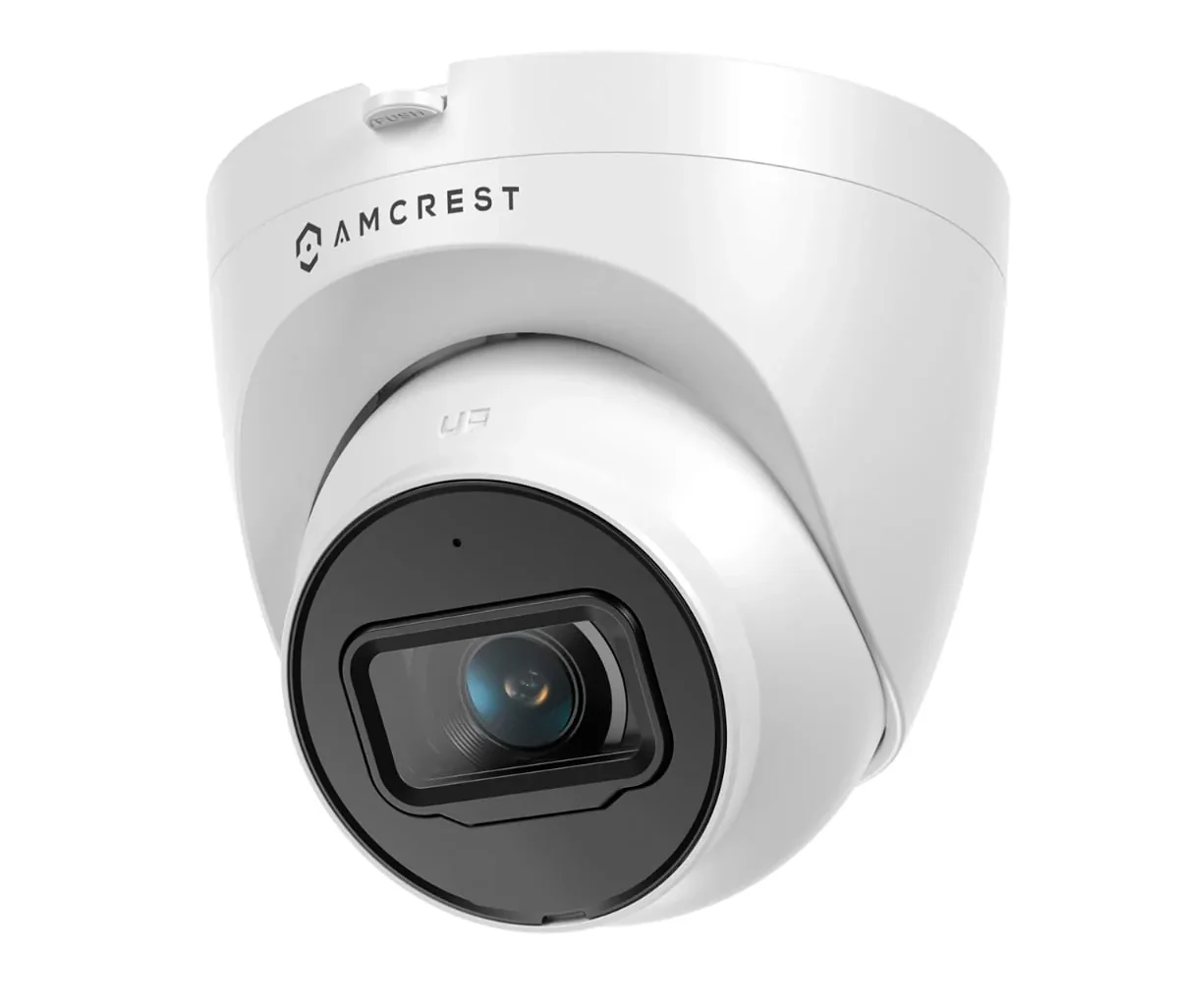
Security cameras that work locally with Home Assistant
PoE cameras that stream to Home Assistant, Frigate, or a local NVR with no cloud account and no subscription.
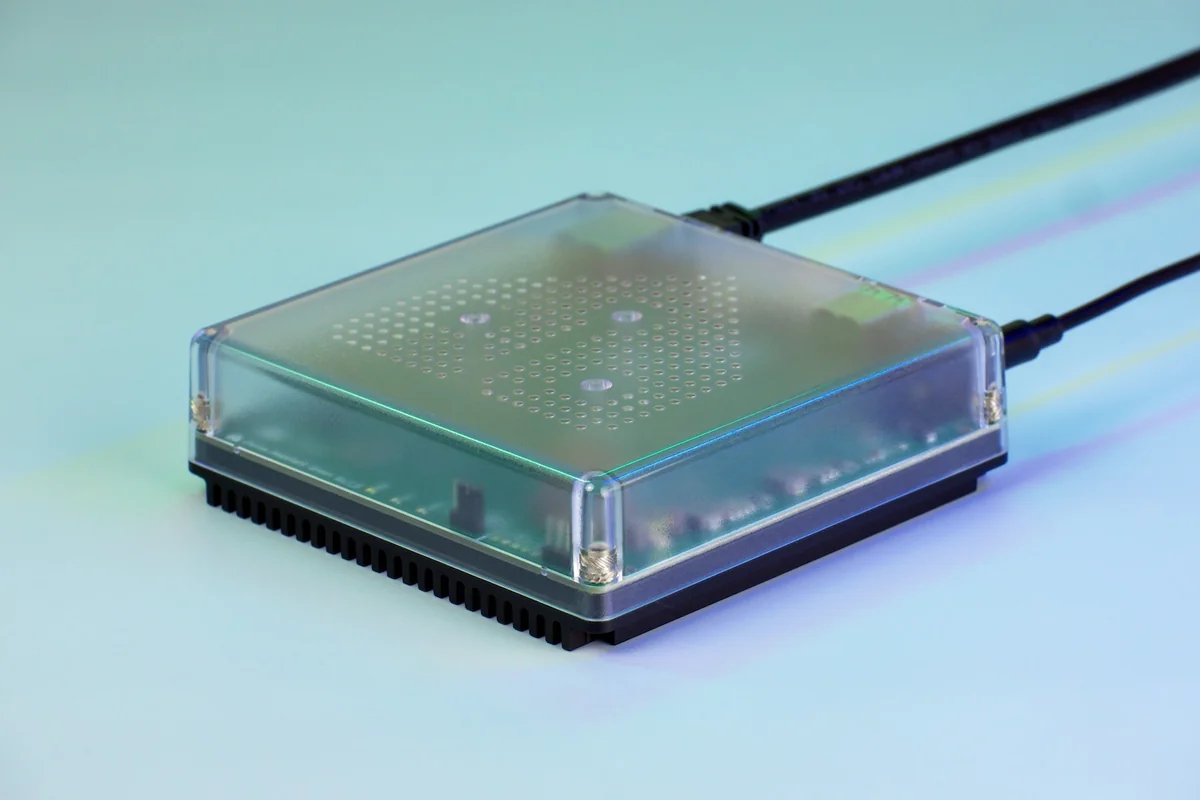
Mini PCs for Home Assistant and Proxmox
The official plug-in box, a cheap N150 mini PC, and a 10G homelab box for Proxmox. Which one fits depends on what else the machine has to run.