Mini PCs for Home Assistant and Proxmox
Links to Amazon are affiliate links, so I get a small cut if you buy through them. As an Amazon Associate I earn from qualifying purchases. This buying guide is researched, not gear running in my house, so the verdicts come from specs and what Home Assistant users report.
Home Assistant runs on almost anything, so the hardware question is really about what else the box has to do. If it only runs Home Assistant, a small ARM box is enough. If it also runs Frigate, a media server, or a few VMs under Proxmox, you want x86, more RAM, and a second SSD slot.
Three things matter most when choosing:
- Idle power. This box runs 24 hours a day. The difference between 2 W and 25 W idle is about 200 kWh a year.
- Network ports. One gigabit port is fine for Home Assistant alone. Two ports, or 2.5 GbE, matter once the box is also a router VM, a NAS, or an NVR.
- USB for radios. Zigbee, Thread, and Z-Wave sticks plug in over USB. Put them on a short extension cable away from the case and any USB 3 ports, which interfere with 2.4 GHz radios.
These are researched picks, not long-term ownership reports. Specs come from the makers’ pages; power numbers come from the reviews named in each verdict.
What to watch out for
Install method decides what you get. Home Assistant OS, on bare metal or in a Proxmox VM, gives you add-ons and one-click backups. Home Assistant Container on top of another OS does not support add-ons, so you run those services as your own containers.
Check the power-on behavior. A mini PC that stays off after a power cut takes your whole house offline until someone presses the button. Set the BIOS to power on after AC loss before you rely on it. The EQ14 supports this; on other boxes, look for it in the BIOS before you buy.
The MS-01 is sold as a barebone. Budget for DDR5 SO-DIMMs and at least one NVMe drive on top of the listed price.
Verdict
For Home Assistant and nothing else, buy the Green. It draws almost no power and has no OS install to get wrong. For Home Assistant plus a few other services, or a first Proxmox box, the Beelink EQ14 is the better value. Buy the MS-01 only when one machine has to carry a whole homelab and you need 10G networking.
-
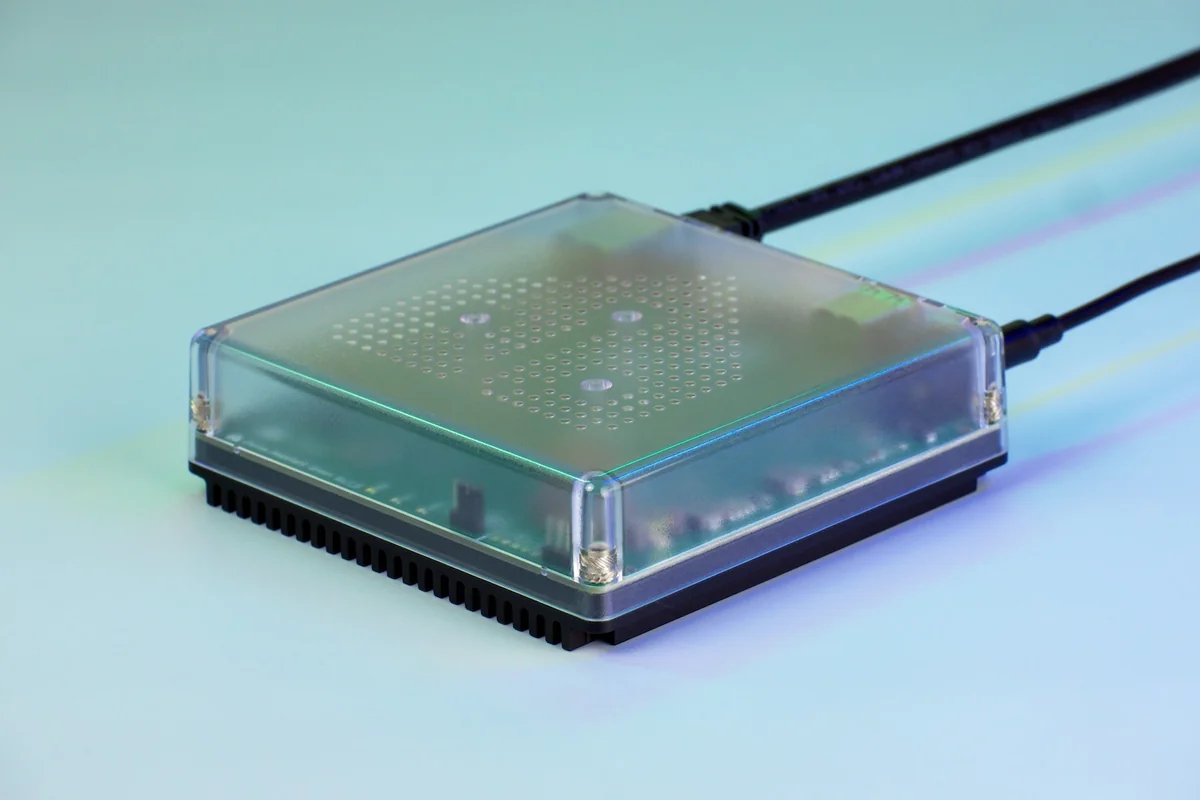
Built by Nabu Casa to run Home Assistant OS and nothing else. Plug in power and Ethernet and it boots into onboarding. It runs Home Assistant and its add-ons, but 4 GB of RAM and 32 GB of eMMC leave no room for a media server or a camera NVR next to it. Zigbee or Thread still needs a USB radio.
- Rockchip RK3566, quad-core at 1.8 GHz
- 4 GB LPDDR4X, 32 GB eMMC
- About 1.7 W idle, 3 W under load
- Gigabit Ethernet, 2x USB 2.0
- Home Assistant OS preinstalled
-
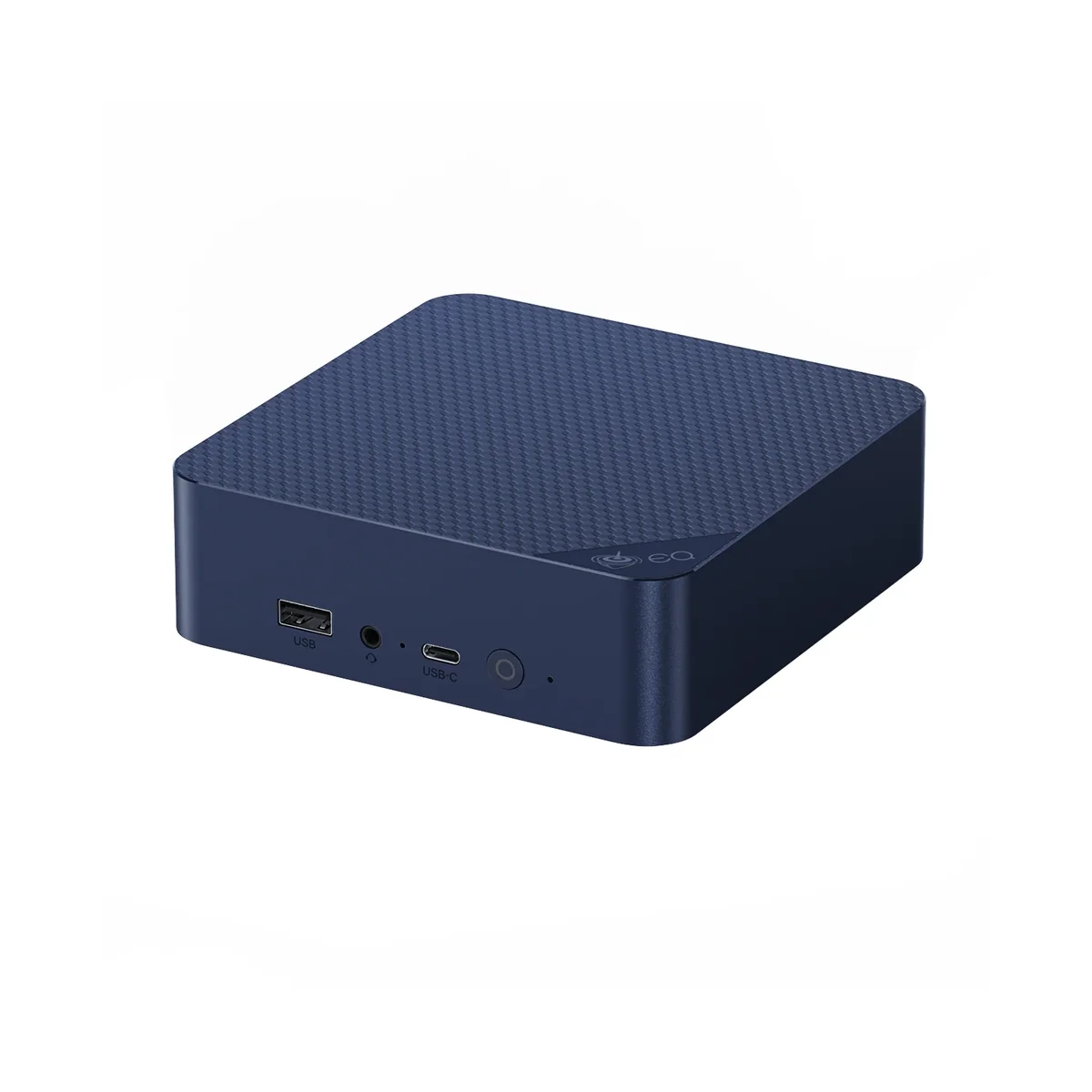
An x86 box with real headroom for the price: enough CPU and RAM for Home Assistant in a Proxmox VM plus a few containers. The two 2.5 GbE ports and the second M.2 slot are the reason to pick it over older N100 boxes like the Mini S12 Pro, which costs about the same on Amazon with one gigabit port. IgorsLab measured 11.8 W idle on Windows, several times the Green.
- Intel N150, 4 cores, up to 3.6 GHz
- 16 GB DDR4, 500 GB SSD
- 2x M.2 2280 PCIe 3.0 slots
- 2x 2.5 GbE (Intel I226-V)
- Built-in power supply, auto power-on
-
A frequent Proxmox homelab pick for when one box has to run Home Assistant, a NAS VM, Frigate and everything else. 10G SFP+ and a PCIe slot are rare at this size. It is overkill for Home Assistant alone. ServeTheHome measured 25 to 29 W idle, so it costs more to leave on all year than either box above.
- Intel Core i9-13900H, 14 cores / 20 threads
- 2x 10G SFP+, 2x 2.5G RJ45, 2x USB4
- 3 SSD slots (M.2, one can take U.2)
- Low-profile PCIe slot
- Sold as a barebone: add RAM and SSD
Related buying guides
Z-Wave and Zigbee coordinators for Home Assistant
The two radios I'd point you at if you're setting up Z-Wave or Zigbee on Home Assistant today.
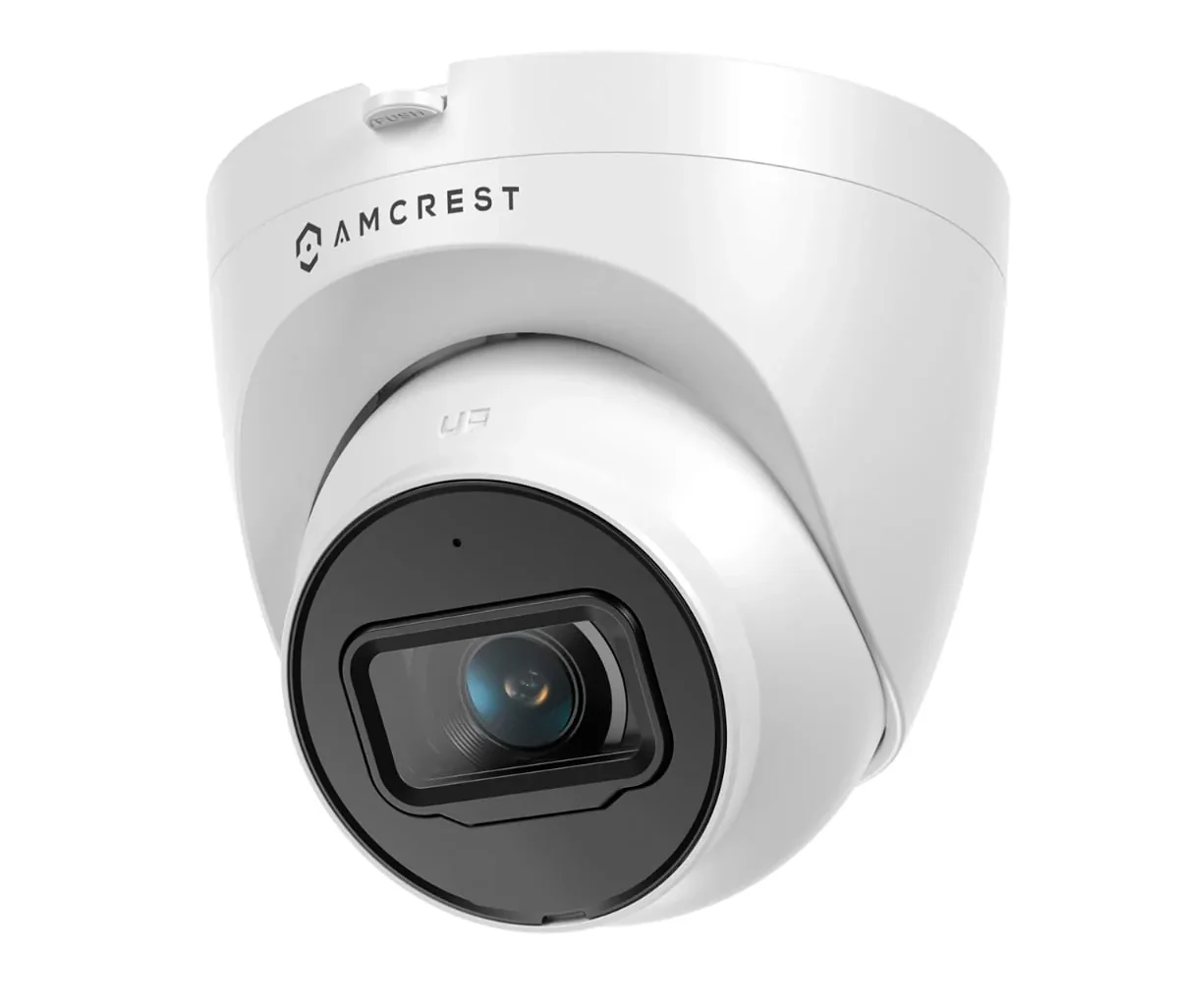
Security cameras that work locally with Home Assistant
PoE cameras that stream to Home Assistant, Frigate, or a local NVR with no cloud account and no subscription.
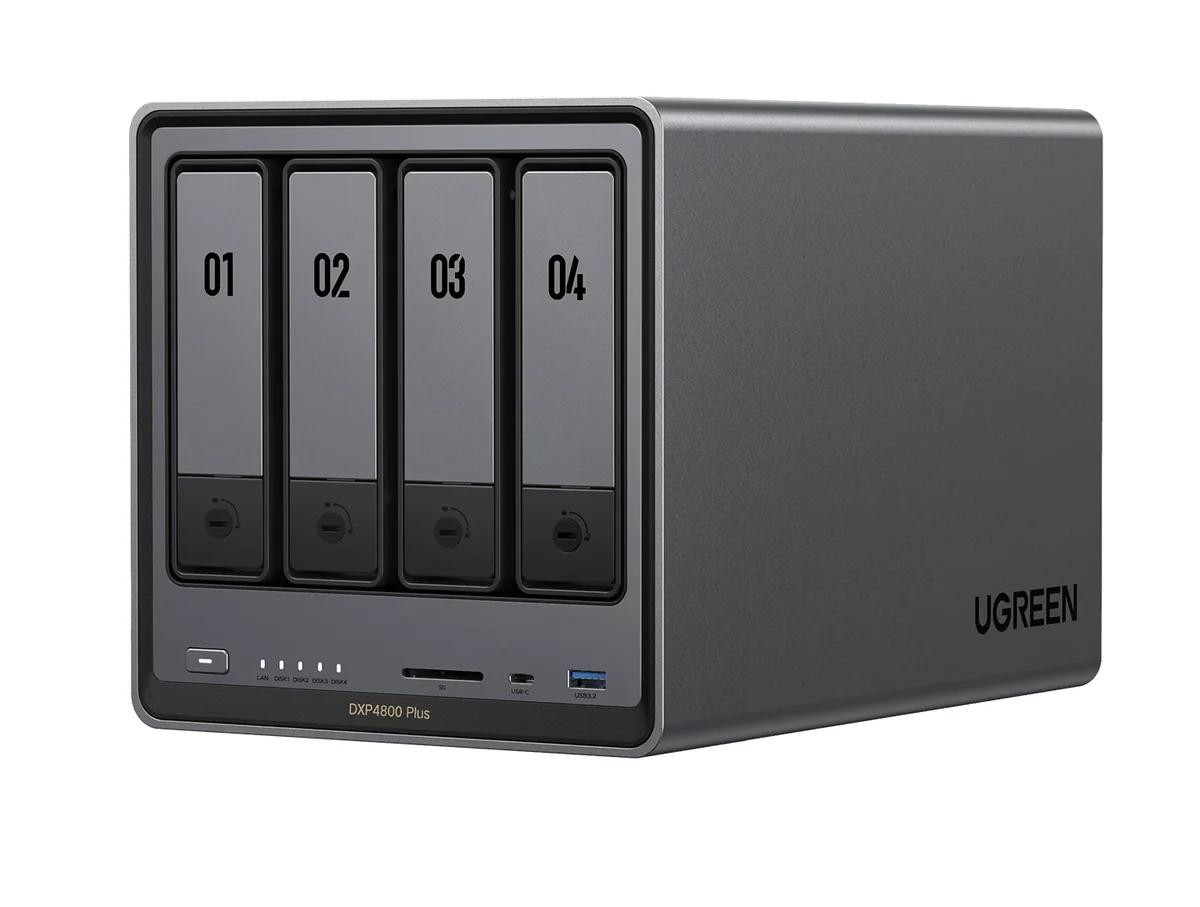
Home NAS picks: Synology or UGREEN
Two Synology and two UGREEN boxes for backups, media, and Home Assistant storage, and what the 2025 Synology drive rules mean for you.