Security cameras that work locally with Home Assistant
Links to Amazon are affiliate links, so I get a small cut if you buy through them. As an Amazon Associate I earn from qualifying purchases. This buying guide is researched, not gear running in my house, so the verdicts come from specs and what Home Assistant users report.
A camera that only works through its maker’s app is not a Home Assistant camera. The ones worth buying stream directly to something you own: Home Assistant itself, Frigate, or a local NVR. What to check before you buy:
- Local streams. Look for RTSP (and ideally ONVIF) in the spec sheet. That is what Frigate and most NVRs read.
- Substreams. A low-resolution second stream lets Frigate run detection on a small image and record the full-resolution one, without re-encoding either.
- PoE over Wi-Fi. One cable carries power and data, and a wired camera doesn’t drop frames when the Wi-Fi is busy. Frigate’s docs recommend against Wi-Fi cameras.
- No cloud login. The camera should work with its internet access blocked at the router.
These are researched picks from the makers’ spec pages and the Home Assistant and Frigate docs, not cameras I’ve tested at my house.
What to watch out for
Frigate’s hardware docs warn about issues with Reolink cameras above 5MP and suggest staying at 5MP or below. For older 6MP-and-up models like the RLC-8xx series, the docs give specific stream settings. If Frigate is the plan, read its camera-specific page before you pick a 4K Reolink. If you use Home Assistant’s Reolink integration or a Reolink NVR instead, this does not apply.
Block the cameras from the internet anyway. Put them on their own VLAN or add a firewall rule. All four here keep streaming locally without it.
PoE needs a PoE switch or an injector per camera. Budget for one, and for a disk to record to: a NAS, a drive in the Frigate box, or a microSD card in the camera.
Verdict
Running Frigate: buy Amcrest. Using Home Assistant’s built-in Reolink integration with no NVR: buy the RLC-811A, plus the Reolink PoE doorbell for the front door. Buy UniFi only if you’re already on a UniFi console.
-
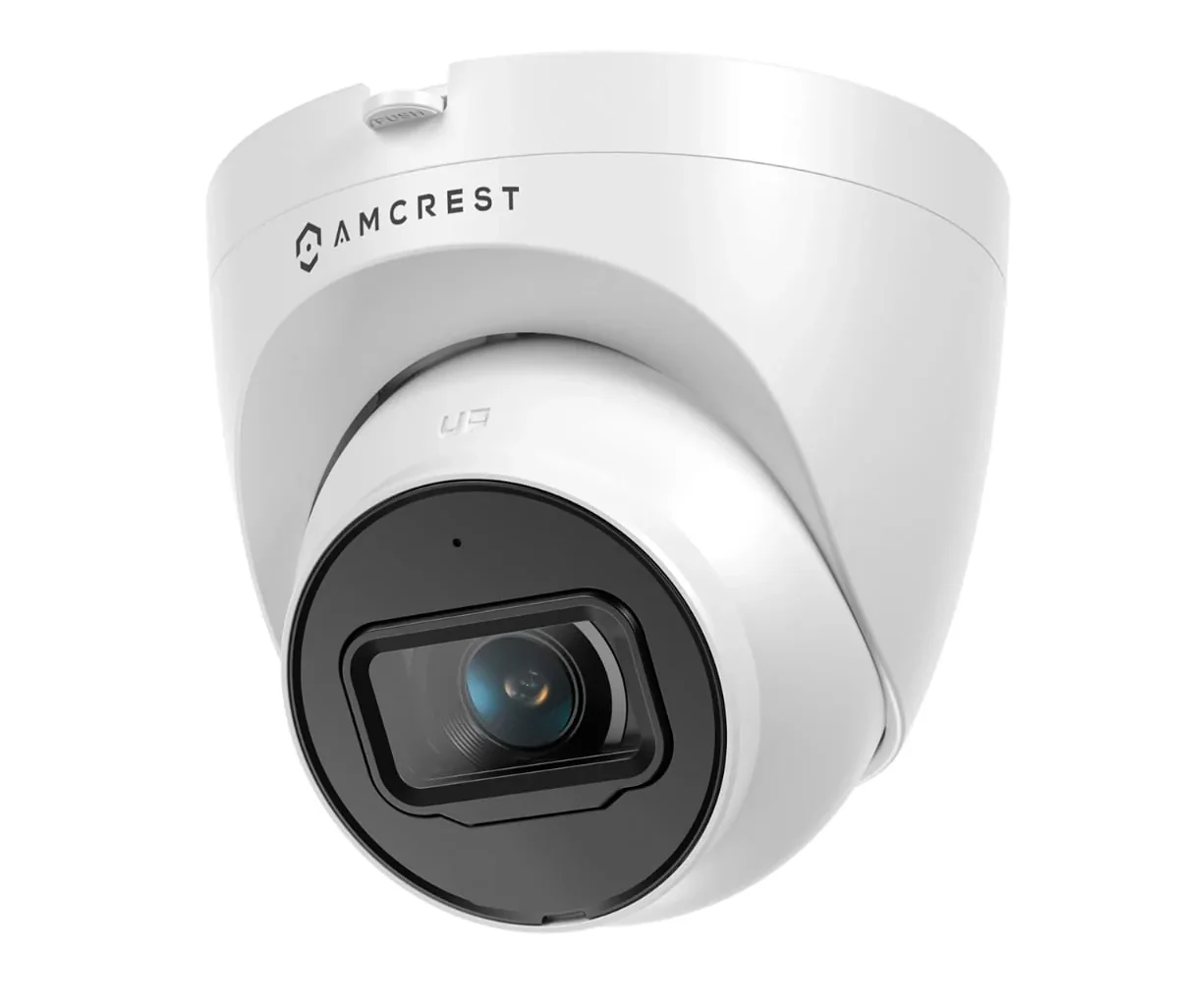
Amcrest cameras are rebranded Dahua hardware, and Frigate's hardware docs list Dahua, Hikvision, and Amcrest as the recommended brands. Frigate's docs also give the exact RTSP URLs for the main stream and substream. If you plan to run Frigate, start here.
- 4K, 3840x2160
- 125° field of view
- PoE
- 98 ft night vision
- IP67 weatherproof
-
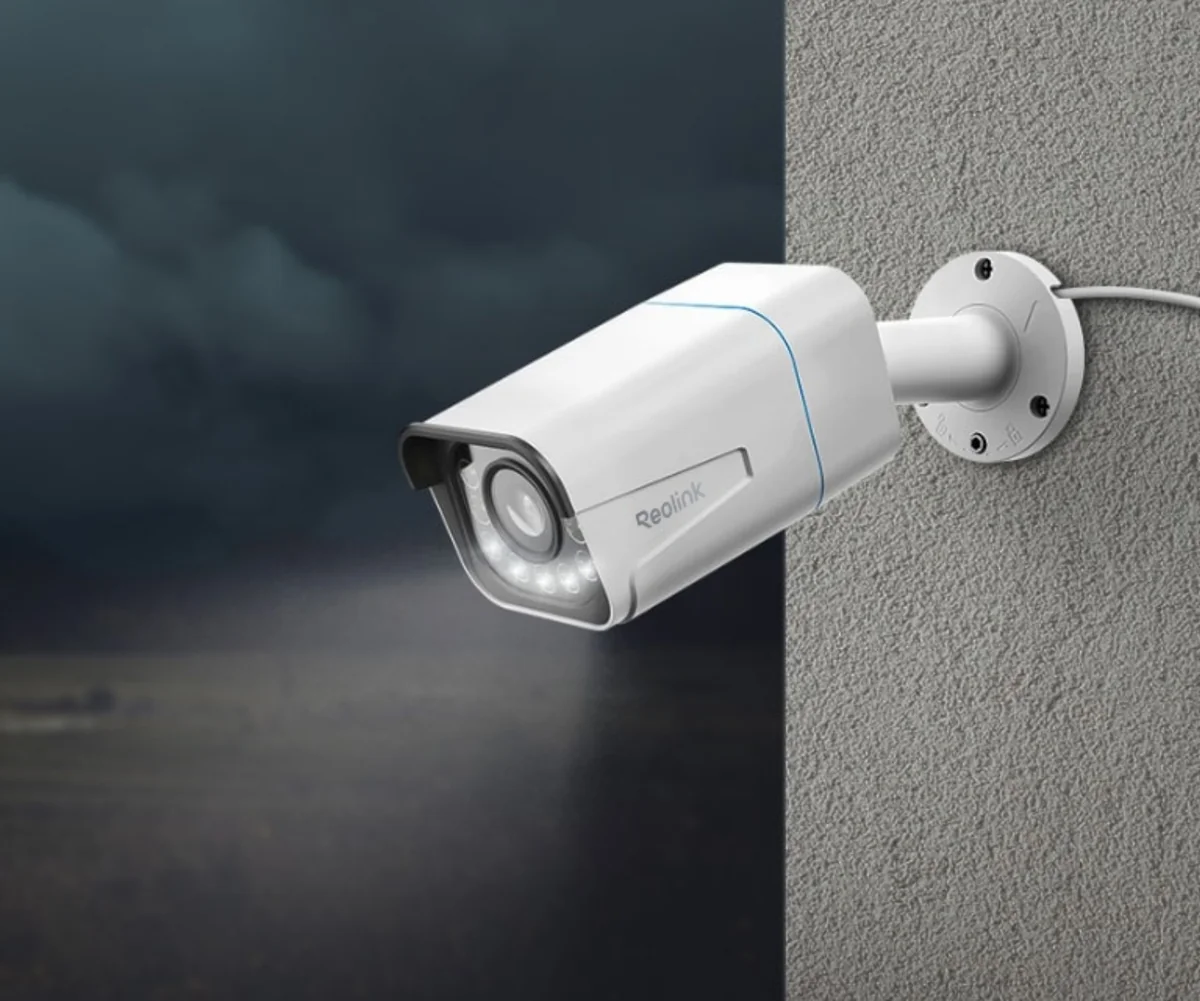
Home Assistant's Reolink integration logs in with the camera's own username and password, not a Reolink cloud account, and the docs say it keeps working with the camera's internet access blocked. You get motion and person/vehicle detection, the spotlight, and siren as entities without running an NVR. The optical zoom is uncommon at this price.
- 4K, 3840x2160
- 5x optical zoom (2.7 to 13.5 mm)
- 100 ft IR plus spotlights
- PoE (802.3af) or 12V DC
- RTSP, RTMP, and HTTP streams
-
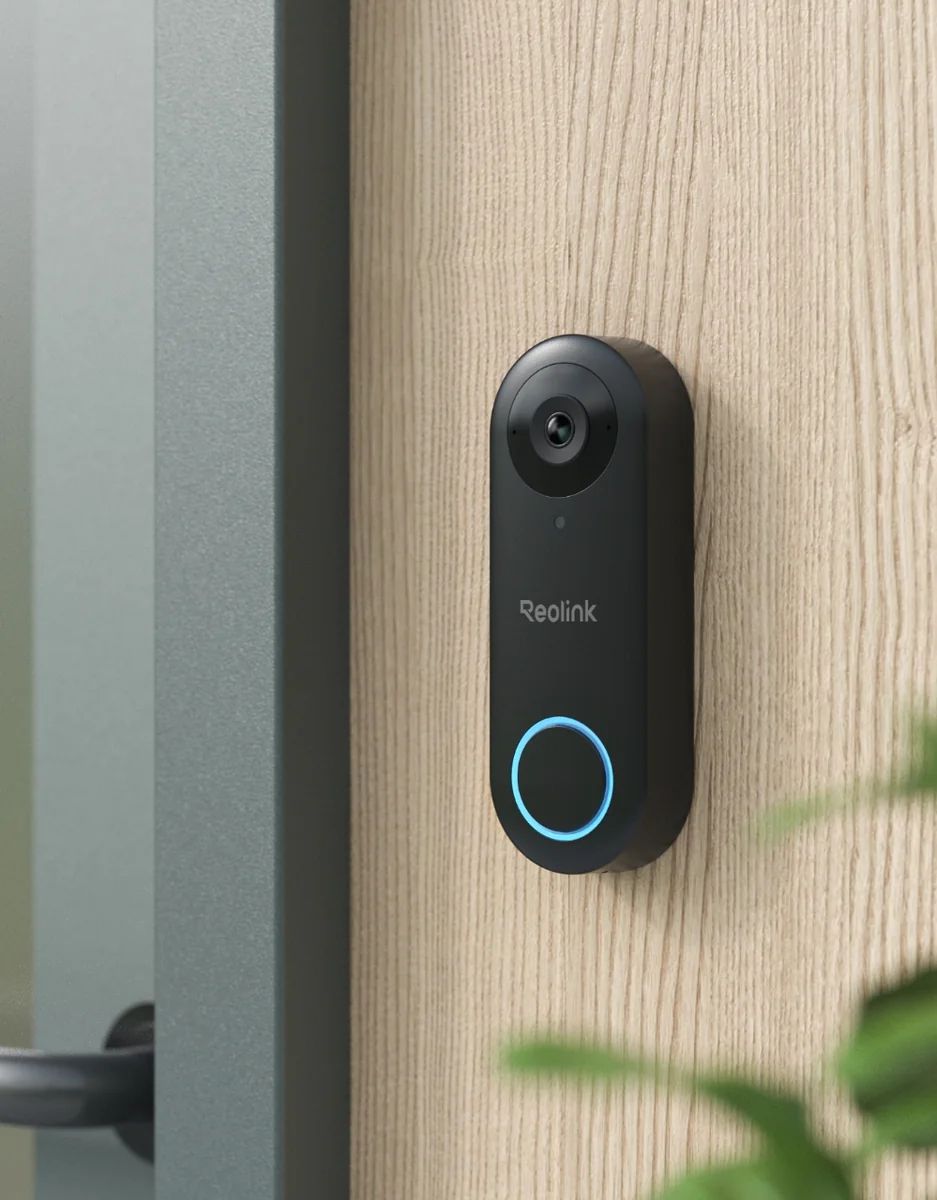
A doorbell that works with the same local Reolink integration as the cameras, so the button press is a Home Assistant event with no cloud in between. It runs on PoE or existing doorbell wiring. At 5MP it is also inside the resolution range Frigate's docs say works well with Reolink.
- 5MP (2560x1920)
- 180° diagonal field of view
- PoE (802.3af) or 12 to 24 VAC doorbell wiring
- RTSP and ONVIF
- IP65
-
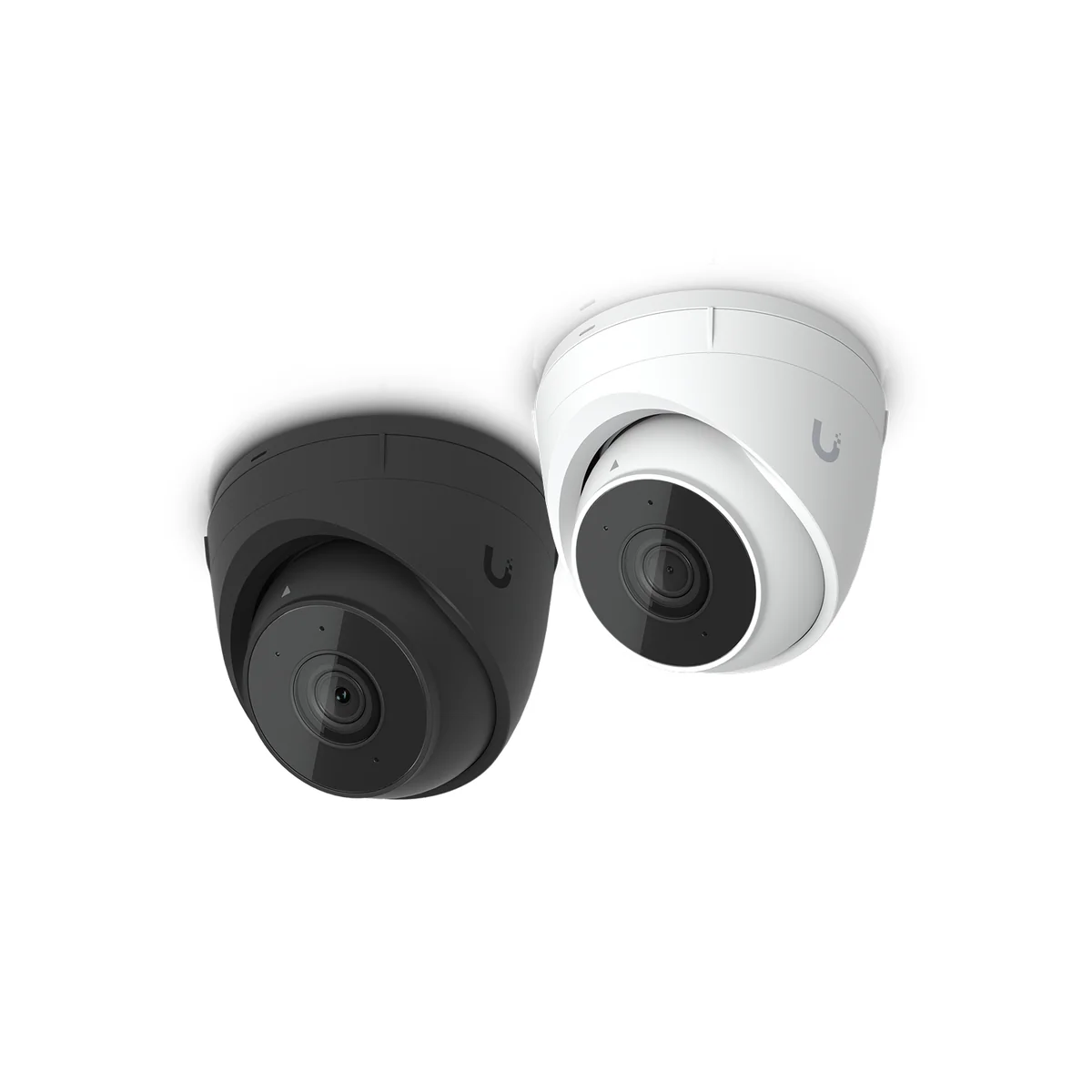
Only worth it if you already run, or want, a UniFi console with Protect. Home Assistant's UniFi Protect integration talks to that console on your network with a local user and an API key. The camera does not work on its own: no console, no recording.
- 2K (4MP)
- 30 m (98 ft) IR night vision
- PoE
- IP66
- Requires a UniFi Protect console
Related buying guides
Mini PCs for Home Assistant and Proxmox
The official plug-in box, a cheap N150 mini PC, and a 10G homelab box for Proxmox. Which one fits depends on what else the machine has to run.
Home NAS picks: Synology or UGREEN
Two Synology and two UGREEN boxes for backups, media, and Home Assistant storage, and what the 2025 Synology drive rules mean for you.