Disclosure: I work for Apollo Automation. The setup reports in this post came from people flashing our devices, and the fix is upstream in ESPHome.
Every few weeks someone can’t get a freshly flashed device onto their Wi-Fi, and the config they paste looks perfect. Right SSID, right password, no typo, the exact block from the getting-started page:
wifi:
  ssid: "MyNetwork"
  password: "hunter2"
The device boots, tries, gives up, and starts its own fallback hotspot. Somewhere in the back and forth they mention the network is hidden, and that’s the whole answer.
Hidden networks don’t show up in a scan
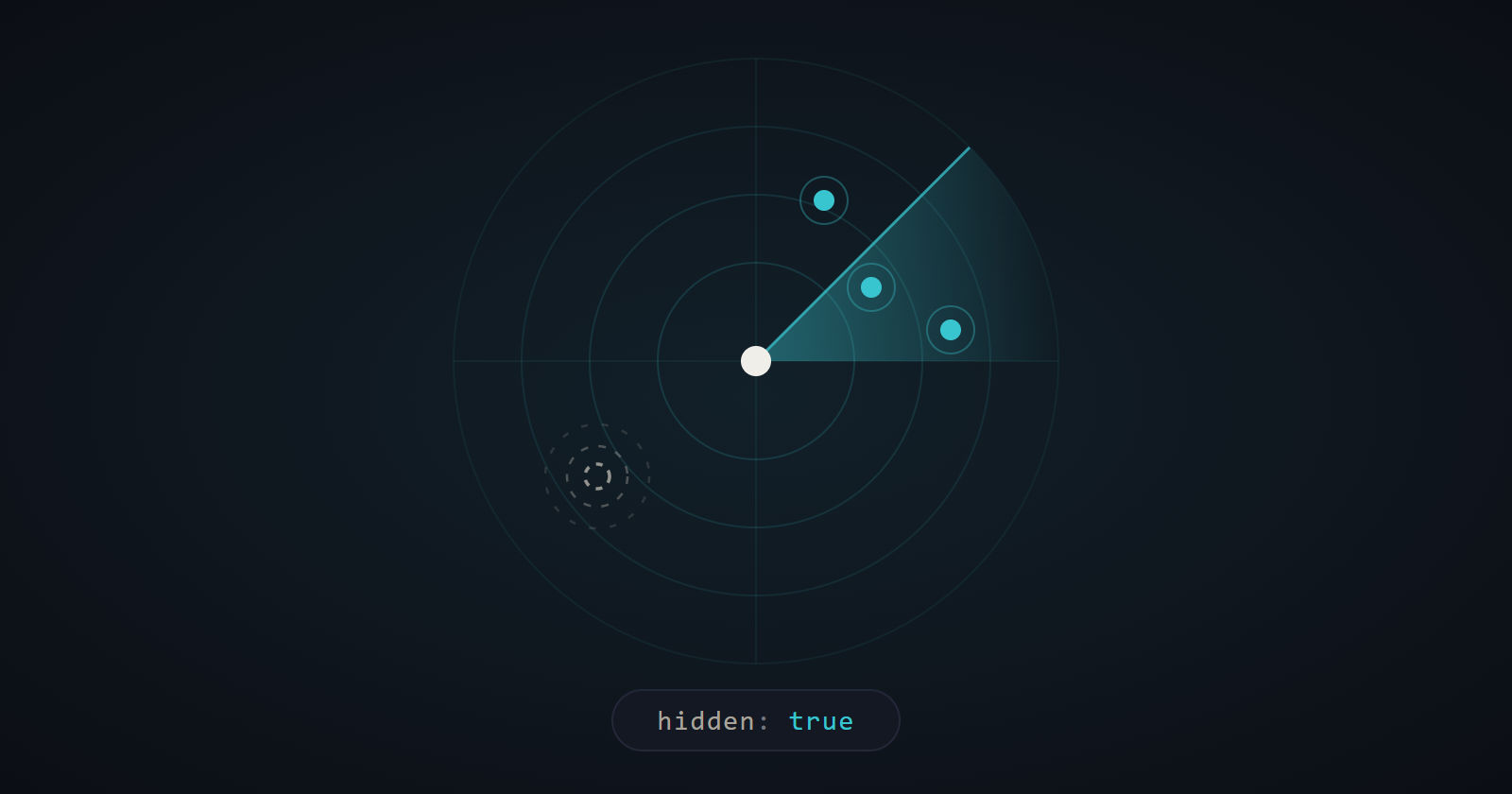
An access point normally puts its SSID in the beacon frames it sends out a few times a second. Hiding the network means dropping the SSID from those beacons. The AP is still there and still transmitting, it just doesn’t say its name.
ESPHome’s default connect path scans first, then matches what it found against your configured networks and picks the best AP. A hidden network never appears in that scan, so there’s nothing to match and nothing to connect to. The hidden: true option tells ESPHome to try the SSID anyway, using a directed probe instead of waiting to see it in the scan results. Without it, the device is looking for a name that’s never broadcast.
The catch was that hidden: was only accepted inside the networks: list:
wifi:
  networks:
    - ssid: "MyNetwork"
      password: "hunter2"
      hidden: true
That works, and it’s what I’d been telling people to do. But you have to know the networks: form exists, and you have to know to rewrite your working two-line config into it. Adding hidden: true next to your ssid: fails validation with an error about an invalid key, which reads like the option doesn’t exist rather than like you put it in the wrong place.
fast_connect works, by accident
The other answer floating around is fast_connect: true, and it does get hidden networks online. Not because it knows anything about hidden networks, though. It skips scanning entirely and connects straight to the first configured SSID, so the problem the scan caused goes away with the scan.
You pay for it. fast_connect only supports a single network, and since nothing scans, nothing compares signal strength either, so a device with two APs in range can’t pick the stronger one. That’s a fine trade if you’re chasing boot time. It’s a bad trade if all you wanted was to connect to a hidden SSID.
The shorthand is just sugar
I expected to find some reason the short form couldn’t carry hidden. There wasn’t one.
The top-level ssid: and password: keys aren’t a separate code path at all. During validation, _validate in esphome/components/wifi/__init__.py pops them off and rewrites your config into a one-entry networks: list, then everything downstream runs on the list. Three keys got carried across in that fold: ssid, password, and eap. hidden wasn’t one of them, so the option that already worked fine on a network entry just never made it onto the entry the shorthand generated.
The fix is a handful of lines in the component: accept hidden in the top-level schema, copy it into the generated network entry the same way eap already gets copied, and reject hidden without an ssid the way a password without an SSID is already rejected. The rest of the PR is tests: three unit tests checking that the fold happens, that the long form still behaves, and that hidden on its own raises, plus a config file CI pushes through the full validation pipeline. That last one came out of review, which caught that the unit tests alone never actually touched the new schema line, and also got the error message reworded to point people at the network entry instead of just refusing.
Keeping the PR small on purpose
hidden isn’t the only key the shorthand leaves behind. bssid, channel, and priority are all in the same position, and adding them would have been a couple more lines each.
I left them out. Those three are things you choose because you’re doing something deliberate with your network. Whether your SSID is hidden isn’t a choice you make about the device at all, it’s just a property of the router you already have, and the person hitting this is usually on their first ESPHome flash. Bundling four keys into one PR turns “make a common setup work” into “add four new options to the wifi component,” and a reviewer looking at four new knobs has a fair reason to push back on all of them. One narrowly argued change is easier to say yes to. If the others are worth adding, they can be their own PR, argued on their own terms.
That’s the part I’ve gotten slowly less bad at. My first few upstream PRs tried to fix everything adjacent to the thing I came for.
Where it stands
Two PRs are open, the code change against dev and the docs change against next, with a hidden-network example that leads with the short form. Neither is merged yet, so for now the networks: list is still the answer if you’re stuck.
Assuming it lands, the fix for a hidden network goes back to being one line in the config you already pasted:
wifi:
  ssid: "MyNetwork"
  password: "hunter2"
  hidden: true