
Getting the CAST-1 wiki ready before launch
Some links in this post are Amazon affiliate links. As an Amazon Associate I earn from qualifying purchases.
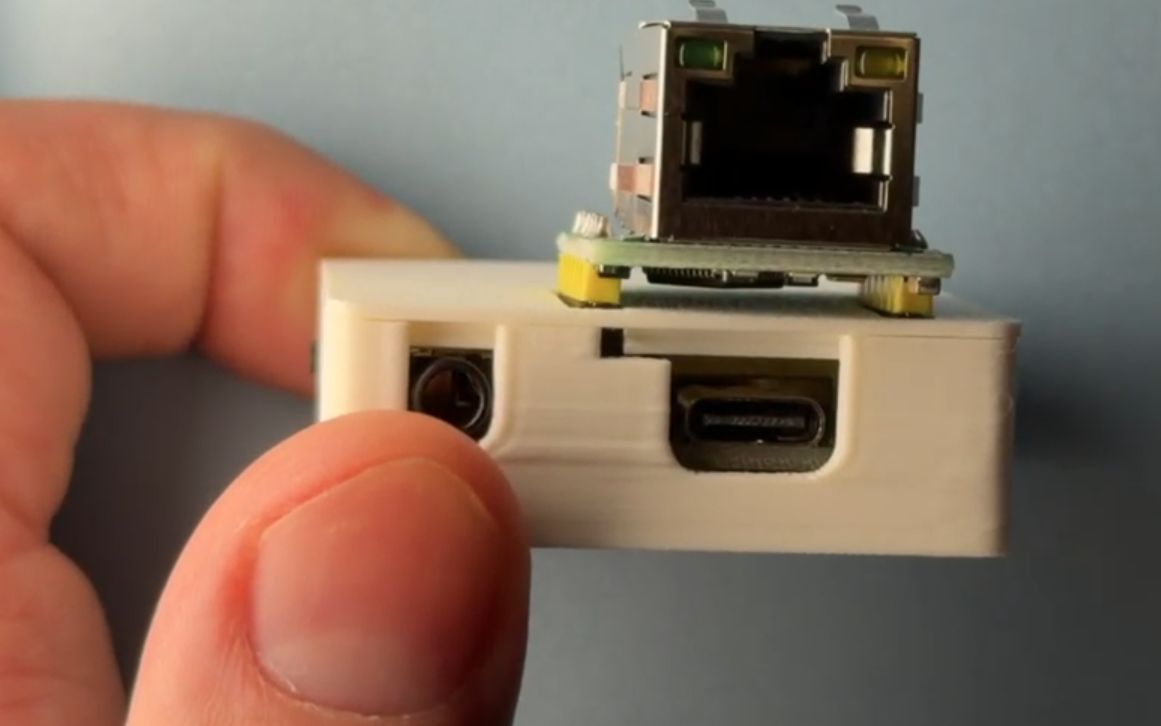
I have a pair of bookshelf speakers in the office that sound good and do nothing else. The CAST-1 fixes that with a 3.5mm cable.
It’s a small box you plug into the line-in on powered speakers, a receiver, or an active soundbar. Add it to Home Assistant, install Music Assistant, and it shows up as a player you can stream to. Everything runs on your own network. Group a few and they play in sync across rooms.
It launches in about a month, so I spent a day finishing the wiki: an FAQ, the Ethernet add-on, a firmware switching guide, and a page on text to speech.
The Ethernet build has no Wi-Fi
There’s an Ethernet add-on, a small header board that presses onto the top of the case. I figured that was a paragraph of work.
Then I read the firmware. The Ethernet build drops Wi-Fi, the captive portal, and Improv. The getting started page offered two ways to set the thing up, and both of them need one of those, so anyone with the Ethernet module hit a dead end on every route the page gave them.
So it got a third path. Flash the Ethernet variant, plug in the cable, and it pulls an address from the router with nothing to type in.
Announcements don’t stop the music
The CAST-1 runs two audio pipelines at once, one for music and one for announcements. When Home Assistant speaks, the music drops 40 dB, the announcement plays over the top, and the music comes back over about a second.
The LEDs turn cyan while it’s talking. From across the room that’s how you tell the house talking to you from something going wrong.
Piper worked first try, which almost never happens.
A sensor that was never there
Going through the entity list I hit a row for a Link Speed sensor on the Ethernet firmware. I checked beta, main, and the squeeze branch. Nothing defines it. Upstream ESPHome only has link speed as C++ internals in the ethernet component, with nothing publishing it as a sensor.
It looked real because my own Home Assistant still had the entity, sitting there disabled. Home Assistant keeps disabled entities in the registry after the firmware stops publishing them.
I’d already copied that row into two of the new pages before I checked it.
Where it landed
The wiki has the Ethernet path, the FAQ, the announcement guide, and the firmware switching page. Two firmware fixes came out of it and are waiting on a release. The earlier story on the DAC swap and WizMote control is in the June post.
What I want to try next is dumber than any of this. A CAST-1, a cheap Anker Bluetooth speaker with a 3.5mm input, and a USB power bank in a bag. A walkman that streams from my library instead of holding any files. It only works on my network, so the range is the house and maybe the yard, and I want to find where it cuts out.
Related posts
My New Bambu H2S Had Unhealthy Defaults
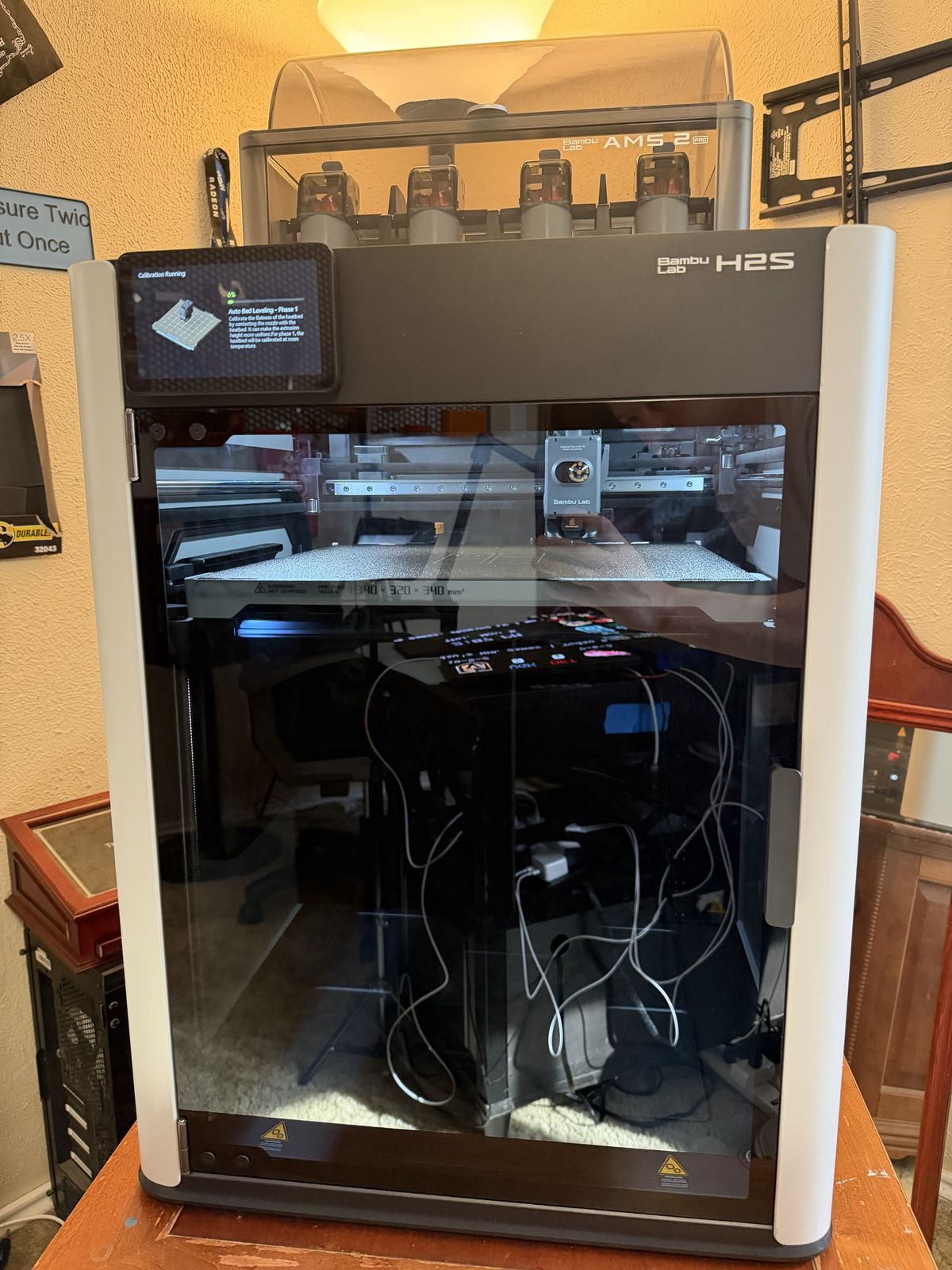
The first night I ran my new H2S, the printer room PM2.5 climbed into the EPA's Unhealthy range and stayed there for seven hours. The printer's carbon and HEPA filter was there the whole time, it just wasn't in the air path for PETG. Here's how Home Assistant caught it, the firmware setting that routes the exhaust through the filter, and how I got Home Assistant to tell me when it's on.
My beginner Home Assistant class is up on YouTube
I taught my free Intro to Home Assistant class at the Dallas Makerspace on September 12, and the full recording is on YouTube now. The morning of the class I cut the live demo and taught it with the hardware in my hands instead. The outline, handout, and print files are free to reuse.
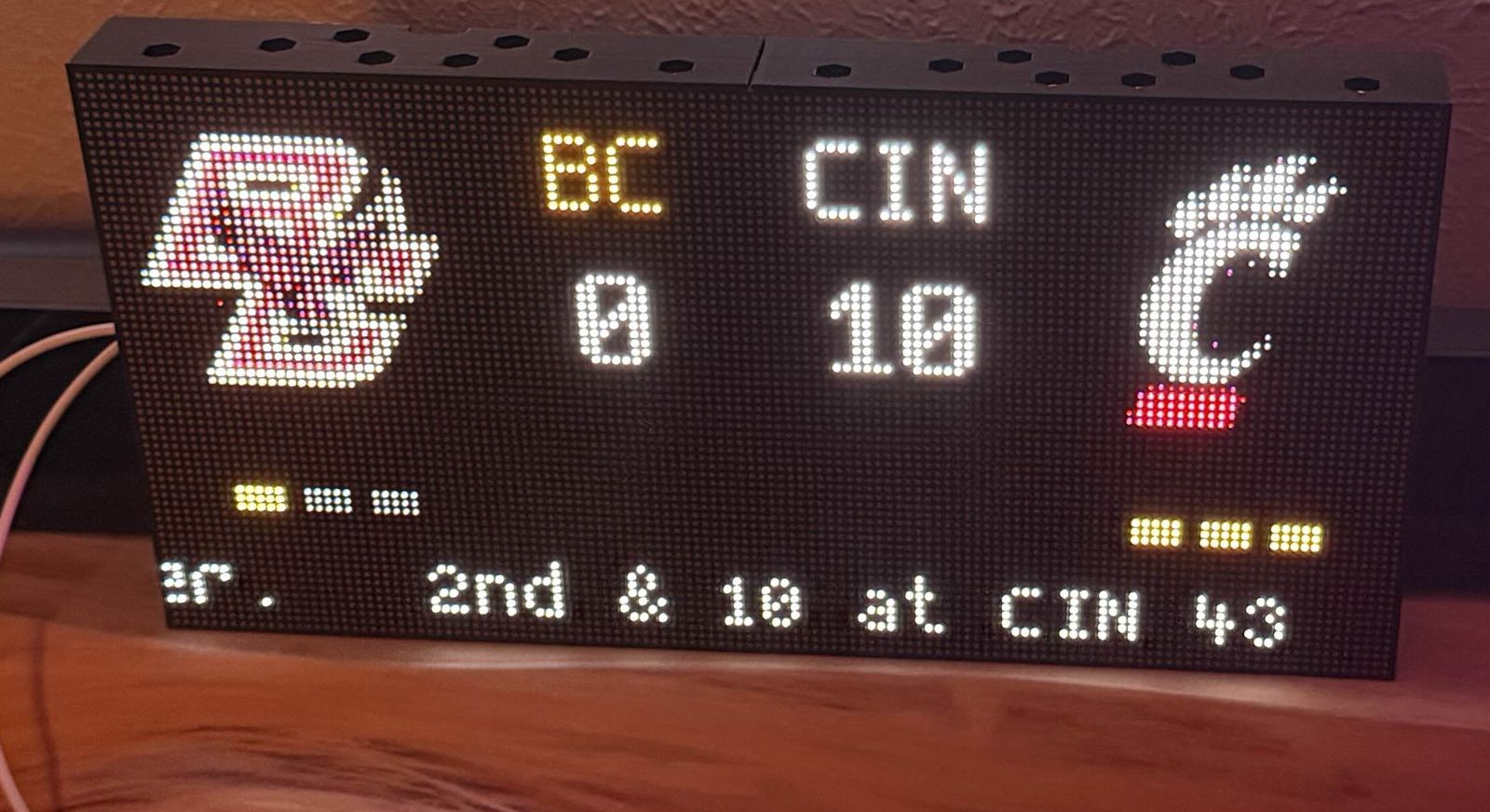
Turning a HUB75 Matrix into a Gameday Scoreboard
NFL kickoff week seemed like the right time to make my HUB75 matrix show live scores. One Saturday, 21 blueprint versions, and a lot of standing in the living room saying "run it again" later, my wall shows the game, my lights celebrate touchdowns, and switching teams is a dropdown instead of a reflash.